
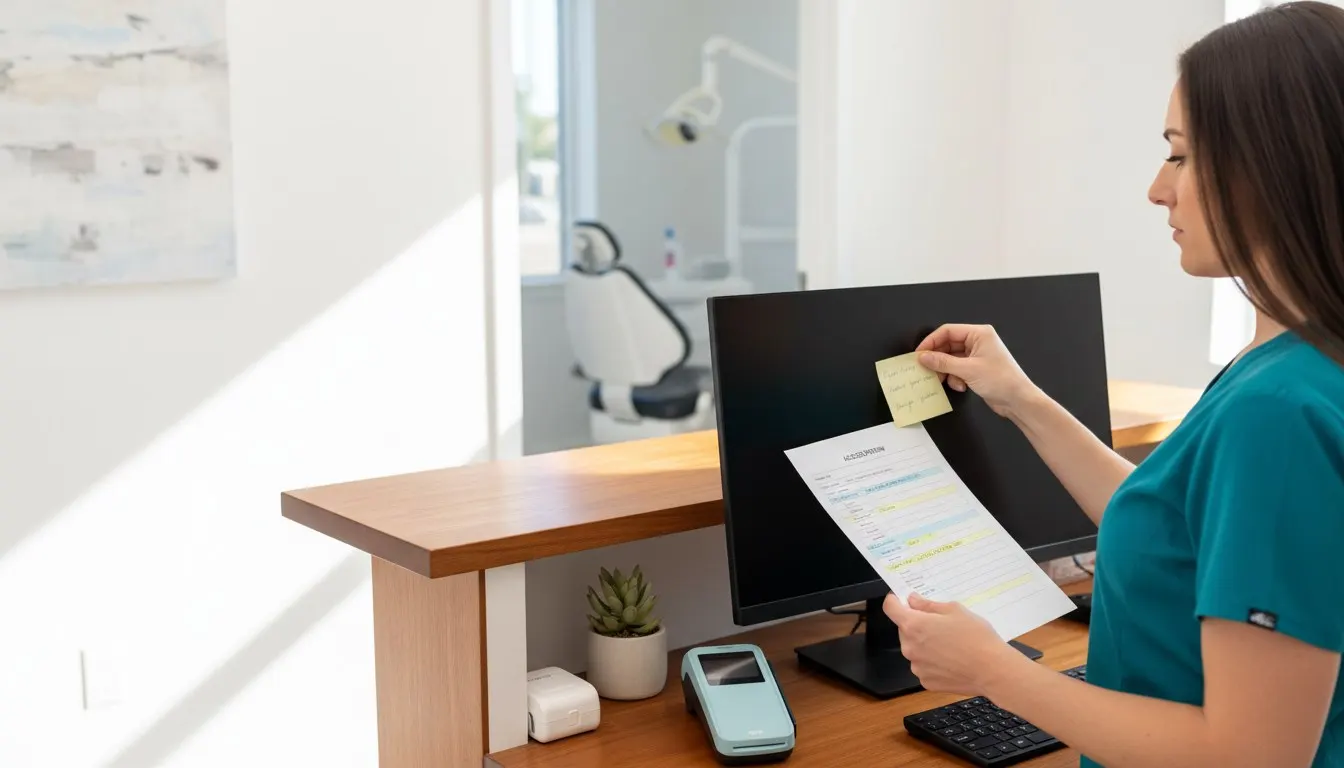
One shared front-desk login, and a former hygienist's account still works
A dental office replaces shared passwords and stale accounts with individual sign-in, role-based access and a joining-and-leaving checklist.
The business situation.
Dental, medical and professional offices where staff share logins and departures are handled informally
At a dental office, the front desk shares one login for scheduling, and the password is written on a sticky note under the keyboard. A hygienist who left last spring still has working credentials for the imaging software. When something is changed in the schedule, nobody can tell who made the change.
An illustrative business situation, not a customer case study.
How we can help.
Bladesystems inventories the business systems, then introduces individual sign-in, multi-factor authentication and single sign-on where each system supports it. Permissions are set by role, and a joining-and-leaving checklist makes sure access is granted and removed on a known day.
- MFA and single sign-on
- Appropriate permissions
- Joining and leaving workflows
What changes in practice.
The office can review access by named person and role instead of relying on a shared password. A departure triggers a known checklist covering each system, its owner and the access that needs removal.
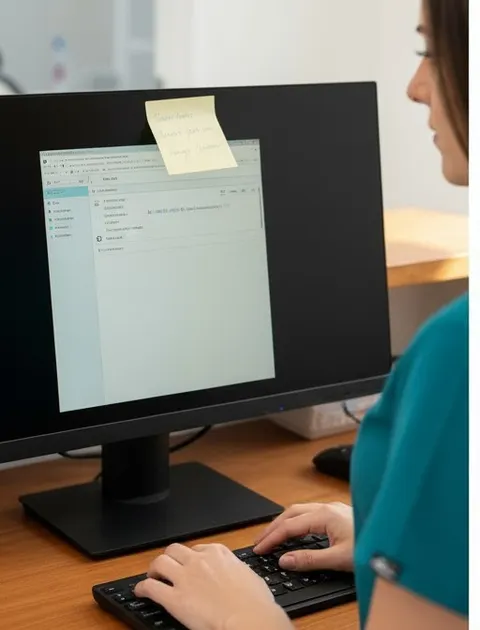
The sticky note
One password. Many hands.

Who needs what
Access set by role, sign-in by person
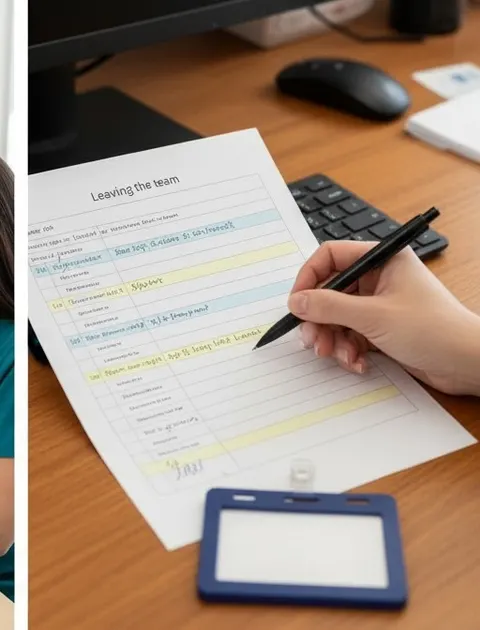
Joining and leaving
A checklist for the day someone leaves
Review sign-in and access.
List the systems your team signs in to, who currently uses each, and the last three people who joined or left.
Single sign-on and multi-factor authentication depend on what each application supports; regulatory compliance determinations stay with your compliance advisor.
305.253.5000