
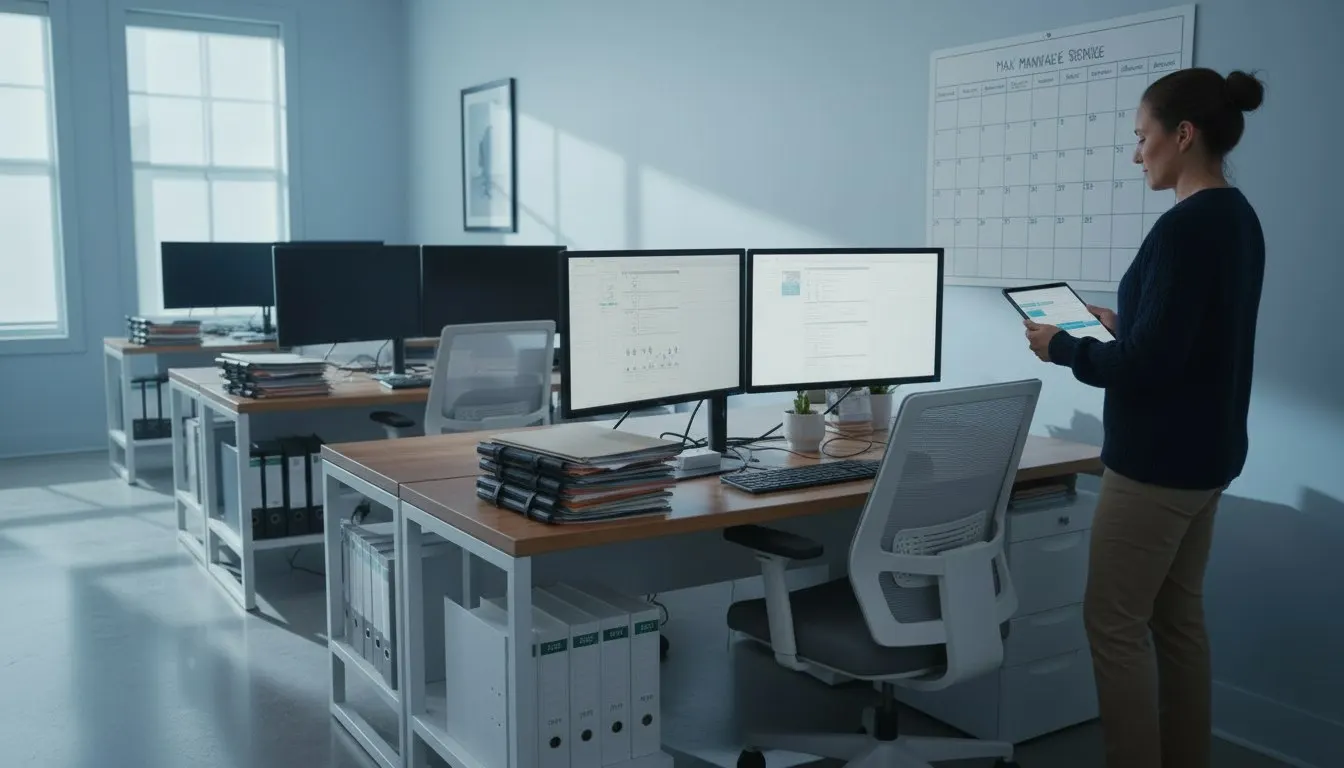
Laptops restart for updates in the middle of a client call
A CPA firm gets a maintenance rhythm so updates and warning signs are handled before tax season, not during it.
The business situation.
CPA and bookkeeping firms and other small offices where updates are either postponed for months or arrive at the worst moment
In January a partner's laptop forces a restart during a video call with a client, while two staff laptops have not installed updates in months because the prompts keep getting dismissed. No one can say which of the firm's machines are behind, and a failing drive warning on the shared scanner PC sat unread for weeks.
An illustrative business situation, not a customer case study.
How we can help.
Bladesystems agrees which devices and systems are covered, sets maintenance windows that avoid filing deadlines, and reviews update status and alerts on a regular rhythm. Machines that cannot be updated on schedule are listed as exceptions with an owner and a reason.
- Device and system coverage
- Update planning
- Exceptions and maintenance review
What changes in practice.
The office manager can see which machines are current, which need an exception and who owns the next action. Maintenance has a place on the calendar alongside filing deadlines, with unresolved warnings available for review.

The restart prompt
Restarted in the middle of a client call
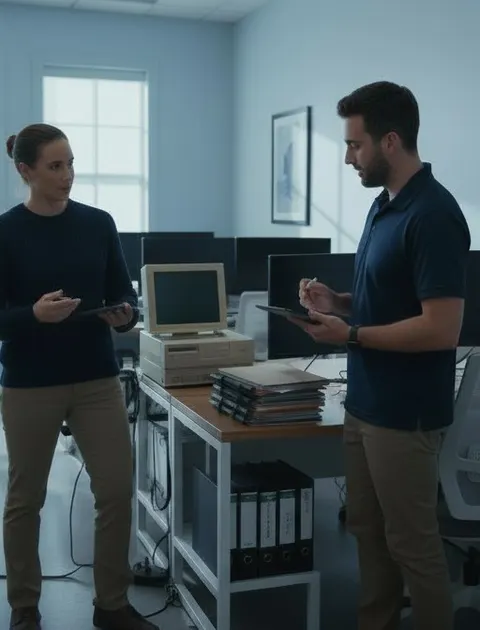
Who is behind
Every machine listed, exceptions named
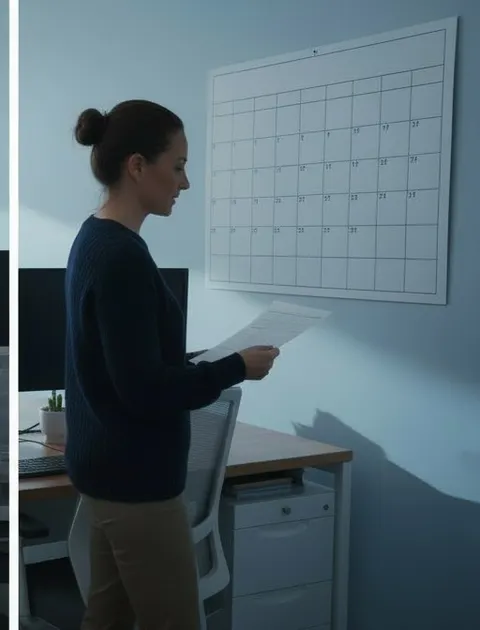
The calendar
Updates planned around the deadlines
Review maintenance coverage.
List every laptop, desktop, server and scanner PC in the office, note who uses each, and mark the dates you cannot afford a restart.
Coverage depends on the devices and systems enrolled during onboarding; monitoring and patching reduce maintenance risk but do not prevent every failure or security incident.
305.253.5000